The essentials
Download free wedding QR sign PDFs for A6 table cards and A4 or US Letter welcome signs. Each includes two matching designs, plus editable SVG versions. Add the QR code from your own wedding event, print one proof, and test it before making the full set. The files do not contain a working event code.
Download your wedding signs
Each free PDF has two designs: Minimal and Warm. Choose one page to print. These are blank templates: replace the marked square with your event QR code first. No signup is needed to download them.
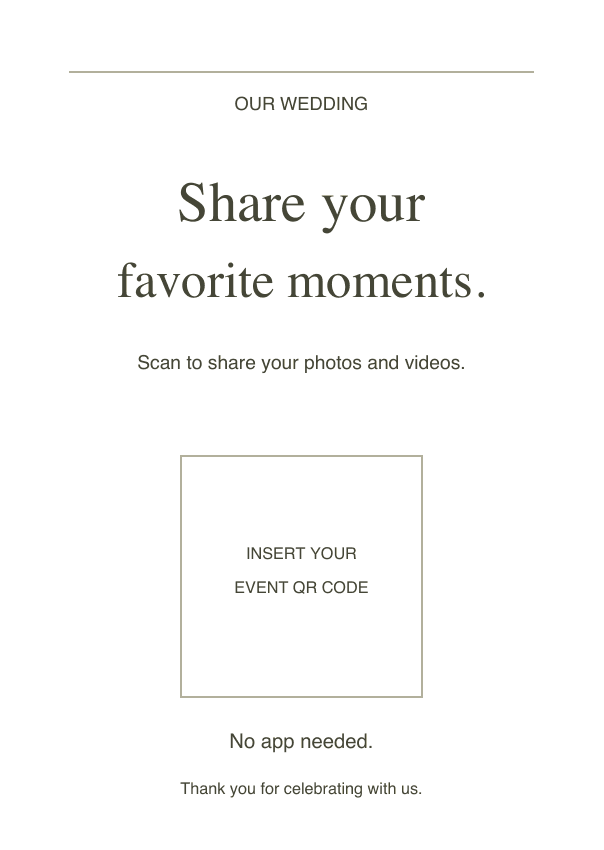
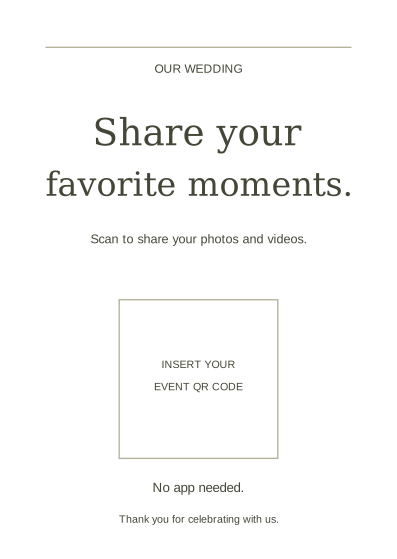
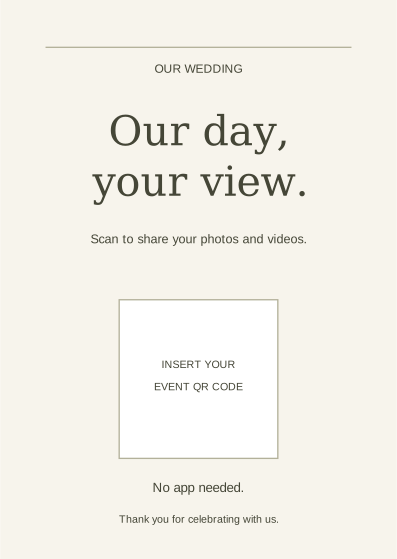
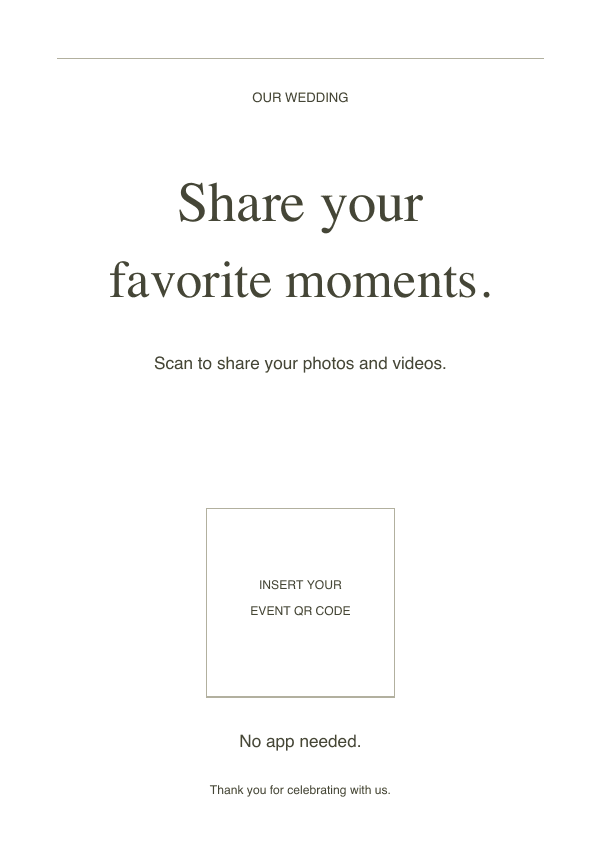
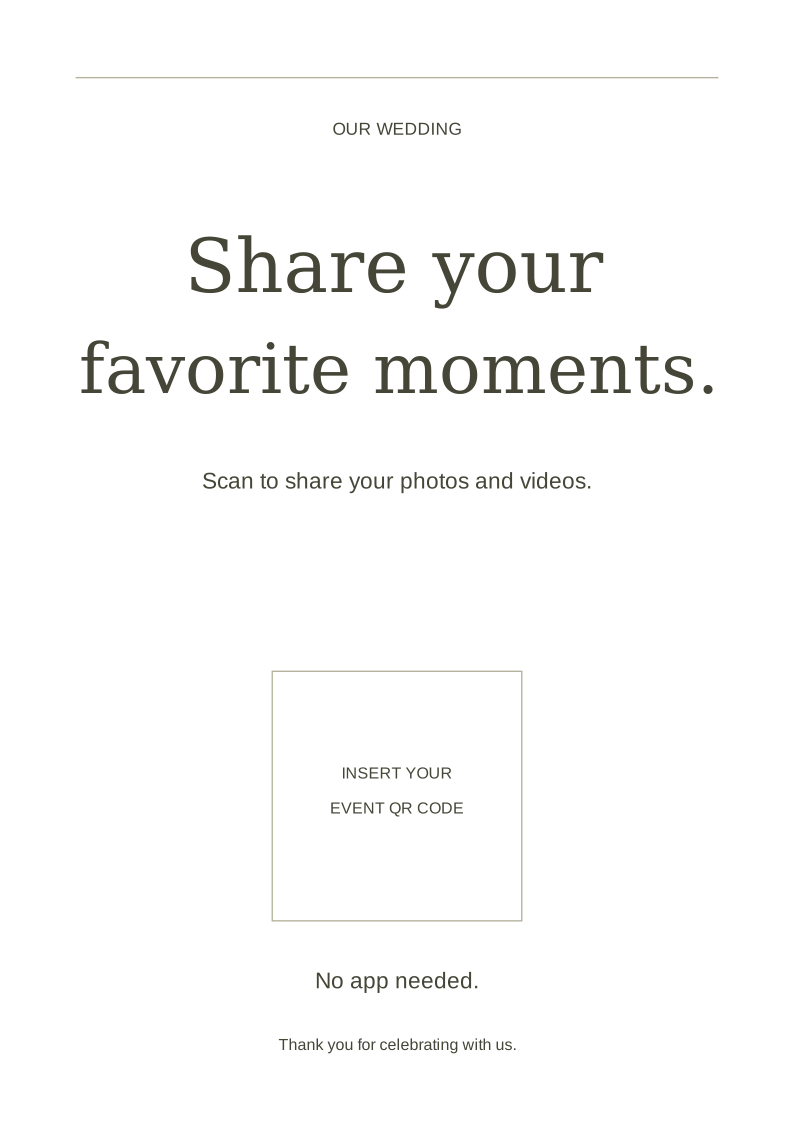
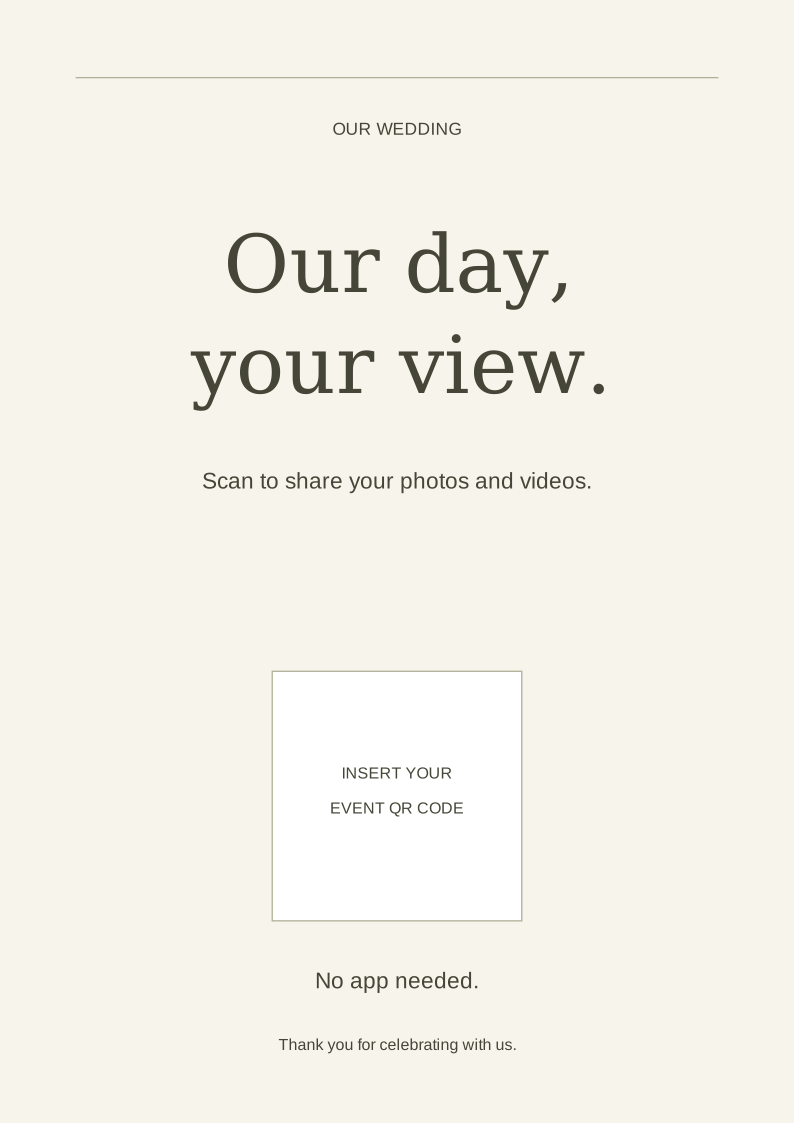
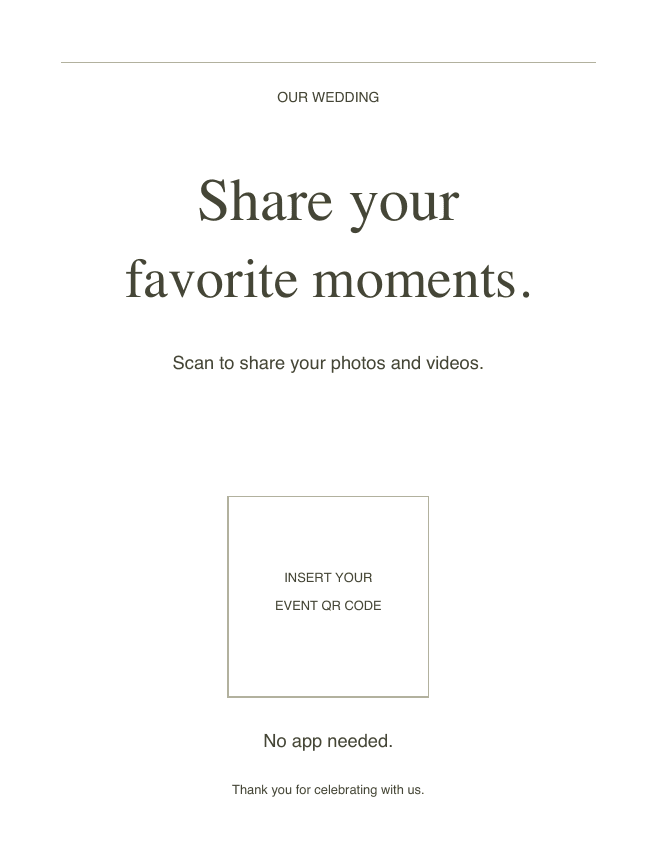
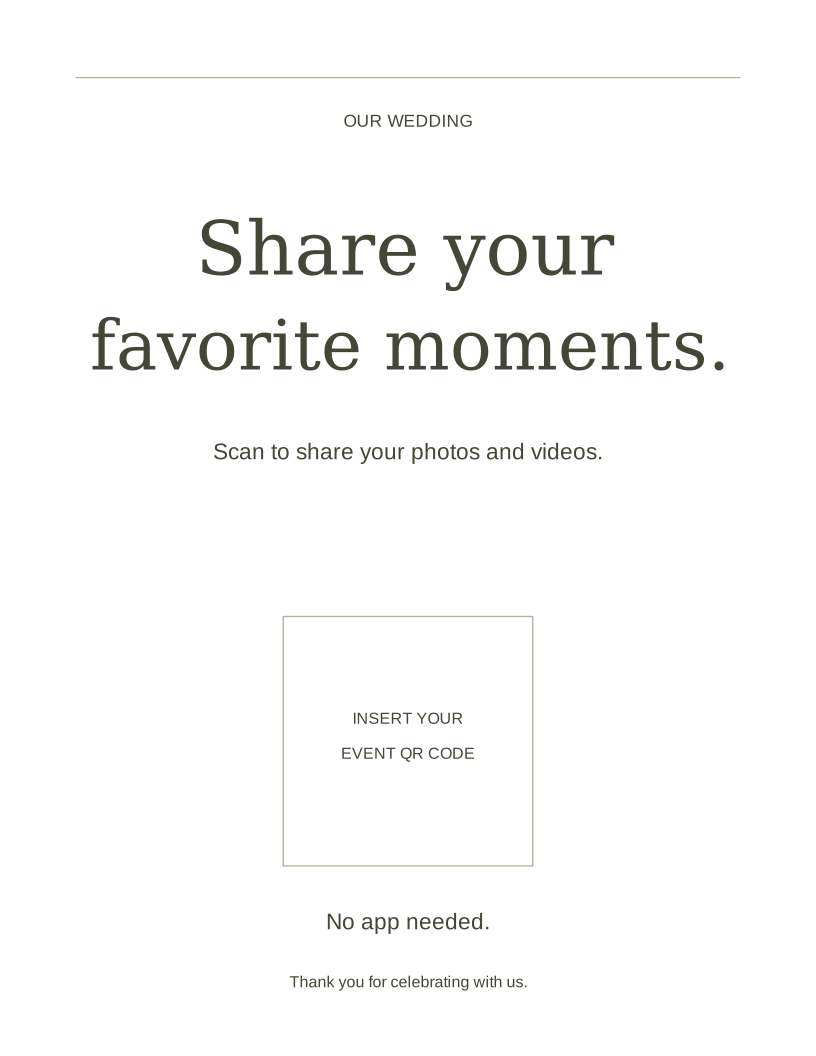
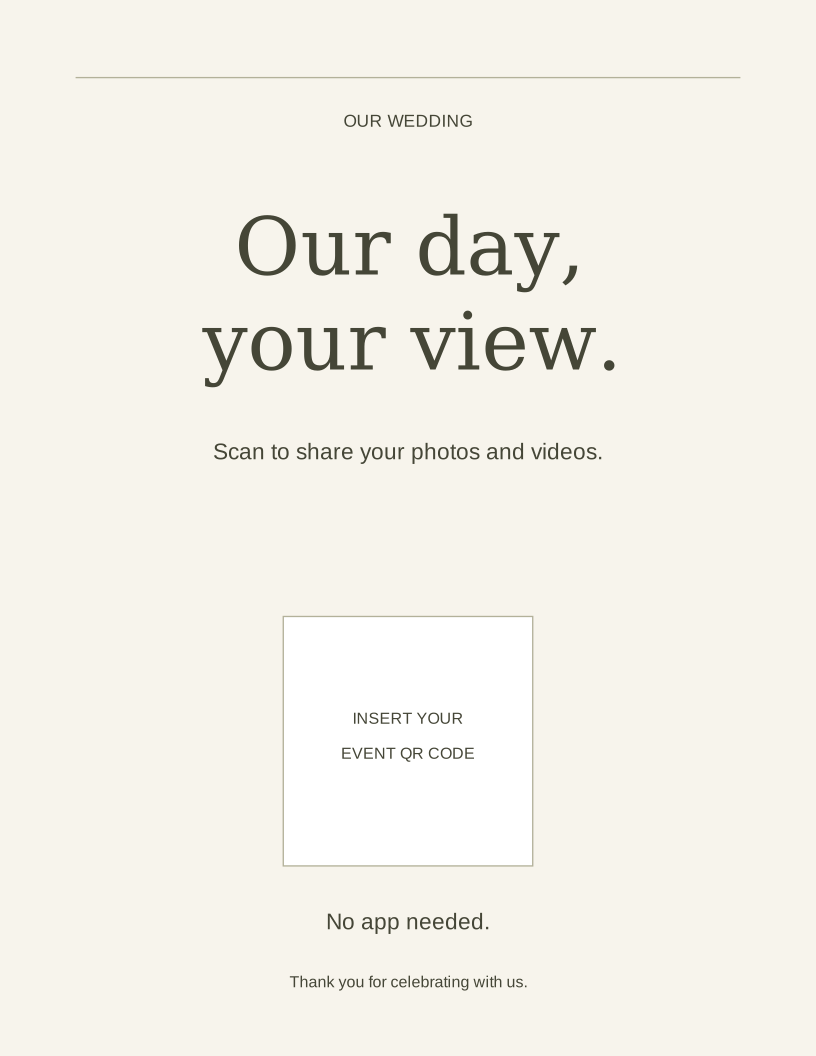
Print at actual size / 100%. Table cards are flat inserts for a holder, not folding tents. For a larger welcome board, have your printer scale the vector artwork and test the finished code at the intended distance.
Add your event QR code before printing
- Create the event in the Capture iPhone app. Open the event QR code and use its sharing option to save or send the QR image. Use the same event code on every sign.
- Download the PDF for your paper size, then import it into a design editor that supports PDF backgrounds. Choose the Minimal or Warm page. Alternatively, open the matching SVG in a vector editor.
- Place the event QR image over the entire marked square so no placeholder wording remains. Keep the code square, sharp, and surrounded by a plain white border. Do not crop its border or add a logo over it.
- Export your finished design as a print-quality PDF. Choose only your selected page and print at actual size / 100%; avoid fit-to-page if you need the stated dimensions.
- Scan the physical proof with an iPhone and an Android phone. Check the wedding name, join as a guest, and upload a sample photo before ordering copies.
Free editable resource
More wording: six copyable sign messages
Use these extra messages for the bar, guestbook, or after-party. Paste the wording into a design editor and add your event code; the text download is not a finished sign.
Preview the complete template
WEDDING TABLE CARD — MINIMAL
SHARE YOUR PHOTOS
Scan the QR code to add your favorite moments to our private wedding gallery.
No app needed.
[PLACE QR CODE HERE]

WELCOME SIGN — WARM
HELP US REMEMBER EVERY MOMENT
You will see parts of today that we might miss.
Scan here to share the photos and videos you capture.
[PLACE QR CODE HERE]

BAR SIGN — PLAYFUL
IF YOU TOOK A PHOTO, WE PROBABLY WANT IT
Scan. Upload. Get back to the party.
No app or account needed.
[PLACE QR CODE HERE]

LIVE PHOTO WALL SIGN
SHARE A MOMENT FROM TODAY
Scan the code to upload a photo. Selected photos may appear on the screen.
[PLACE QR CODE HERE]

GUEST BOOK SIGN
LEAVE US SOMETHING TO REMEMBER
Scan to add a message, photo, still selfie, or short voice note to our digital guest book.
[PLACE QR CODE HERE]

AFTER-PARTY SIGN
THE DANCE FLOOR NEEDS WITNESSES
Share your best late-night photos here.
[PLACE QR CODE HERE]
At a glance
- Printable designs
- Minimal and Warm
- Paper sizes
- A6 table card; A4 / US Letter welcome sign
- Downloads
- PDF + editable SVG
- Essential instruction
- Scan to share your photos
- Guest reassurance
- No app needed
- Best print finish
- Matte or low-glare
- Final check
- Test the printed code
Choose the template for the location
Table cards need the shortest copy because they compete with menus, glassware, flowers, and place settings. A welcome sign can carry more emotional wording because guests pause there. Bar and after-party signs can be playful as long as the action stays obvious.
If you use a live wall, rehearse the host-app slideshow and approval settings. Say that selected photos may appear, rather than promising every upload will go straight onto a screen. For the digital guest book, mention the types of entry guests can leave so they know it is more than another photo album.
Build the QR code into the design
Keep a quiet border around the code and place it on a plain, high-contrast background. Decorative elements should frame the code rather than overlap it. Avoid reflective foil directly behind the code and do not shrink it simply to make more room for copy.
Export the final artwork at print quality, print one proof, and scan that physical copy from the distance guests will use. A QR code that works on a bright laptop can fail after it is reduced, laminated, or placed in dim reception light.
Connect every sign to the same event
Use the same event QR destination across table cards, welcome signs, menus, and the live wall. This keeps contributions in one gallery and avoids confusing guests with several codes that look identical.
Create and test the event before stationery goes to print. On the wedding day, ask the coordinator or venue team to confirm that signs remain visible after tables are fully dressed.
Questions & answers
Can I use these wedding QR templates for free?
Yes. Download, adapt, and print the PDFs and SVGs for your own event. No signup is needed for the templates. Your photo-sharing service may have separate hosting charges.
Where do I get the photo-upload QR code?
Create the wedding event in Capture’s iPhone app and share its QR image into your design. The downloadable templates contain a marked placeholder, not a working event QR code.
Should the sign say no app is needed?
Yes. That short reassurance removes a common hesitation before a guest decides whether to scan.
Can I print one large sign instead of table cards?
You can, but repeated placements usually make the code easier to notice at the moments when guests are already taking photos.
Keep the moments close
Every guest’s perspective.
One shared collection.
Create a private gallery, share a QR code, and bring your event’s photos together.
Start 7-day free trial Explore plans