One wedding gallery.
Ready for your guests.
Create your event in the iPhone app, put its QR code on your wedding signs, and let guests add photos and videos from their browsers. Follow the setup checklist below before the first guest arrives.
Host on iPhone · Guests on iPhone or Android.
7-day host trial, then the selected plan renews unless cancelled. US: $9.99/month or $69.99/year. See pricing and local terms.
Choose your photos
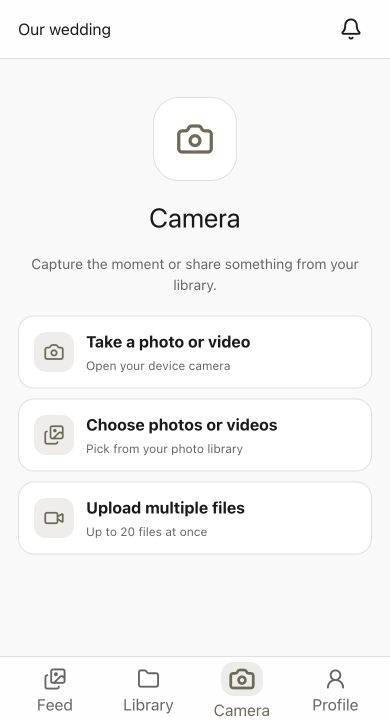
Enjoy the shared feed

Wedding setup checklist
From your first test to the final download
Ready for stationery? Download table cards and welcome signs, then add your event QR code.
Create the wedding
In the iPhone app, create your event with its name and date. Review guest uploads and approval settings. Check the trial and renewal terms against your wedding date.
Prepare the signs
Open the event’s QR code and use its sharing option to save or send the image. Place that same code in your table cards and welcome sign, leaving its white border intact.
Rehearse as a guest
Print one proof. Scan it with an iPhone and Android phone, check the wedding name, join with a display name, and upload a sample photo and video. Test approval and a download too.
Collect during the celebration
Put the tested signs where guests can see them. Ask the MC to mention the code, keep a direct invitation link handy, and review pending uploads if you require approval.
Review and save afterward
Send the same event link as a reminder while uploads are enabled. Save the files you want to keep and open the saved copies outside Capture. The current iPhone export share action shares one file, so plan time for individual downloads.
Guest photos, together
Before you print
Three decisions to make together
Choose the iPhone host
One person creates and manages the wedding in Capture’s iPhone app. Guests can use iPhone or Android browsers; separate co-host accounts are not currently available.
Decide what guests can see
Choose a live gallery or a scheduled reveal, then review uploads, comments, downloads, and approval. Share the event code with your intended guests; anyone receiving it can forward it.
Plan the final backup
Every upload is kept as the original file. After the wedding, open Export Album in the host app to create a ZIP of the whole collection or save everything to your Photos app.
What guests will find
A shared place for the day’s memories
One destination on every sign
Table cards, welcome signs, and reminder messages can all point to the same event. Keep the photo code distinct from your RSVP or seating code.
Browser guest uploads
Guests join with a display name, take browser photos with filters or Photo Booth, or select existing photos and videos. No required guest app, email, or password. A connection is needed to complete uploads.
An interactive gallery
Guests can browse, react, and comment in the browser when your settings allow it. Add the guestbook and challenges if they fit your celebration.
Approval when you want it
Turn on approval to review contributions. For a surprise later, schedule a reveal in the host app: browser guests can keep uploading while the album counts down. Approval remains separate.
A rehearsed slideshow
Run Capture’s Slideshow from the host iPhone app and rehearse the screen connection. The guest browser gallery is a separate viewing option, not an automatic slideshow.
A clear photo-quality choice
Browser photos are saved as optimized copies. Ask guests to retain originals for large prints, and check your chosen download and backup workflow before the wedding.
Plan the complete experience
Related guides and answers
Free QR sign generator
Design a print-ready table card or welcome sign for your event link in the browser.
Download wedding QR signs
Choose A6 table cards or A4 and US Letter welcome signs; add your event code before printing.
Capture for weddings
See the complete wedding photo-sharing experience.
Wedding planner workflow
Manage QR galleries across client weddings with one repeatable process.
More planning help: Wedding QR sign wording · Google Photos wedding albums · Wedding guest upload website · Google Docs wedding checklist
FAQ
Common questions
Create your wedding event in the Capture iPhone app, then open its QR code and use the sharing option. Use the code for that event, not a code pointing to Capture’s homepage.
Yes. Our sign-template guide has A6 table cards and A4 or US Letter welcome signs, with two designs per PDF and editable SVG versions. Insert your own event QR code before printing.
Yes, guests can use an Android browser such as Chrome. iPhone guests can use Safari. Creating and managing the wedding currently requires the host’s iPhone app.
Use the 7-day trial when you are ready to test the workflow. The selected subscription renews unless cancelled; US reference pricing is $9.99/month or $69.99/year. Check local App Store terms and plan for the months before your event.
Yes. In the iPhone host app, open Export Album and tap Create ZIP. Capture packs every original photo and video into an archive, emails you the download link, and shows it in the app; the ZIP opens on any computer. Very large collections are split into parts of about 2 GB. You can also save the whole collection into your Photos app from the same screen.
Wait for confirmation that your files are saved locally. Reopen the same event in the same browser and guest identity with a connection to resume pending uploads, or use Retry for failed files. Uploads need the event open to continue. Keep originals: clearing browser data or browser storage cleanup can remove the queue.
No. The gallery is unlisted, but a recipient can forward the code or link. Share it with the intended group and use the available approval and guest-management controls.
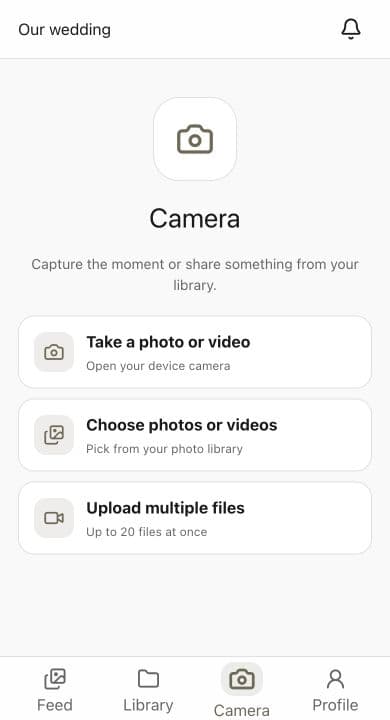
Start with a rehearsal.
Then share the code.
Create an event on iPhone and try it with a guest before printing. Check the plan, photo quality, and download workflow while you test.
Built for private events and guest participation